

What you’ll learn
By the end of this guide, you’ll know how the Marketing Automation > Settings area is organized and where to configure each channel before running campaigns.Settings tabs overview
In the dashboard, go to Marketing Automation > Settings. You will find four active tabs:- Links
- Push
The Journeys tab appears in the UI but is currently disabled for settings
configuration.
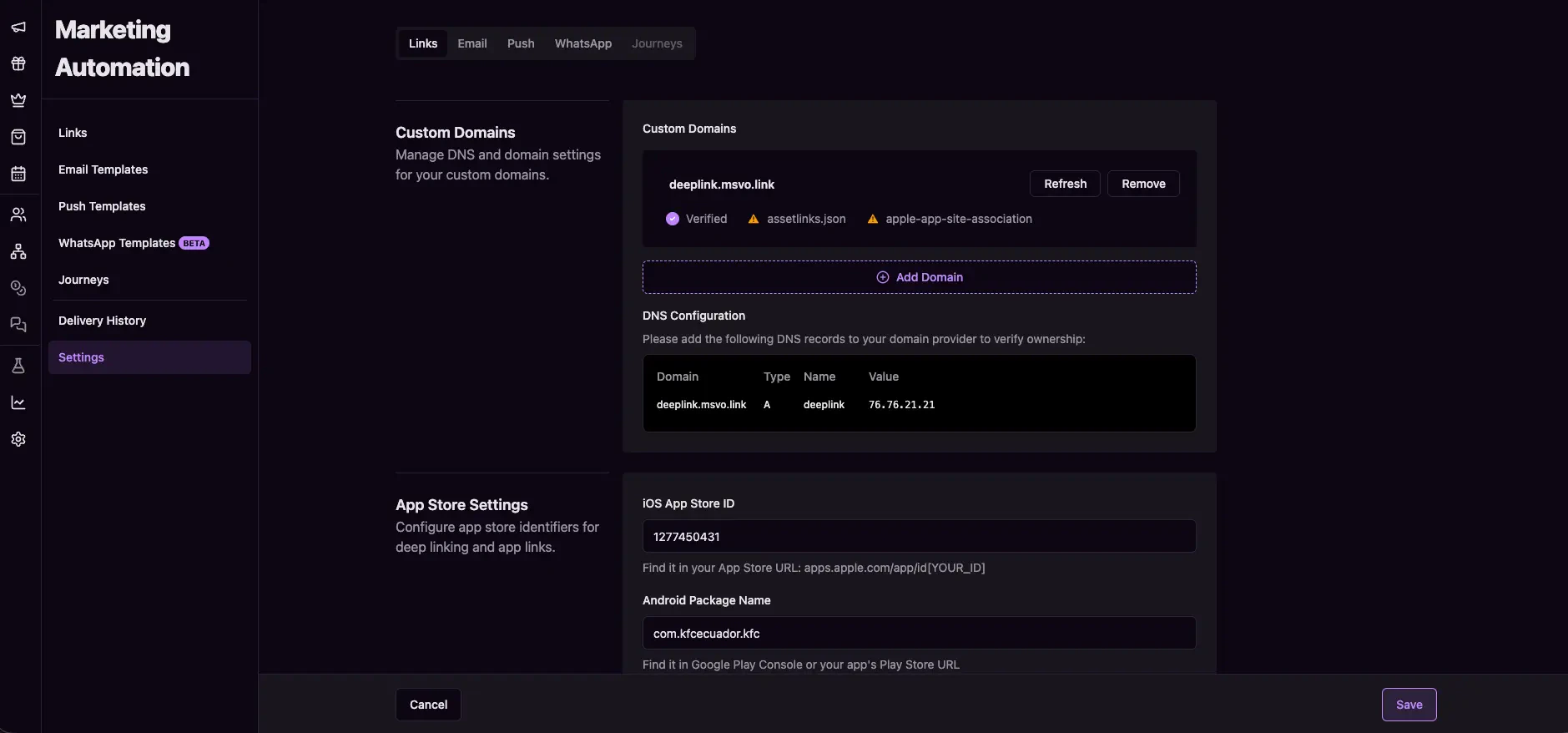
Marketing automation settings
Configure each channel
Use these guides based on the channel you want to configure:Links settings
Configure custom domains, redirects, app store IDs, and QR branding.
Email settings
Configure email domains, footer templates, and email tracking options.
Push settings
Upload Firebase credentials and configure device token duration.
WhatsApp settings
Configure WhatsApp credentials, webhook URL, and business logo.
Recommended order
For most teams, this sequence works best:- Configure Links settings first (custom domains and redirects).
- Configure Email, Push, and WhatsApp based on channels you use.
- Create templates and run tests before scheduling campaigns.
Next steps
- Configure Links settings
- Configure Email settings
- Configure Push settings
- Configure WhatsApp settings